Hey , I’m Ivan Legchilov
Senior Product & UI designer for games, apps and the web
and all the other design stuff, too
 that raised $7M, made hundreds of concepts and taken products all the way to launch.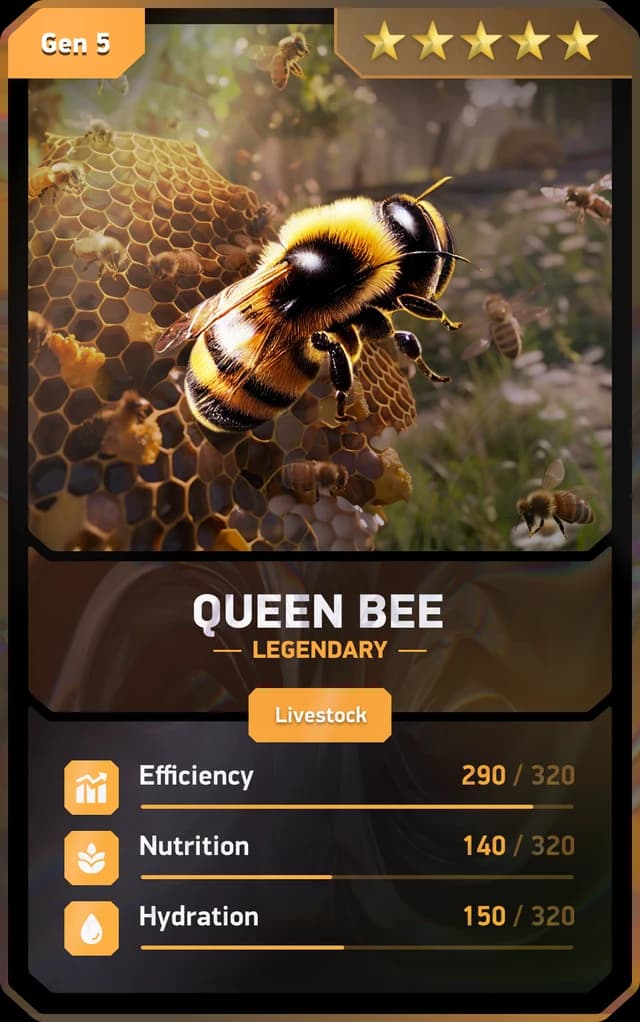
Open to full-time and contract roles.
 ONU Health2026
 Tripledot2026
 Ultahost2026
 sl82025
 Seasons platform2025
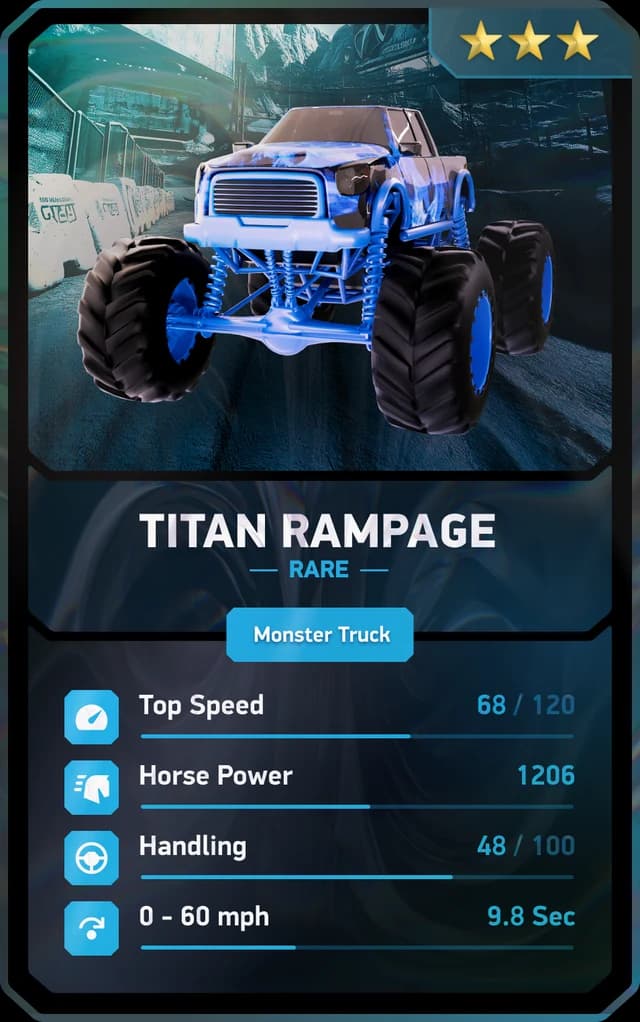
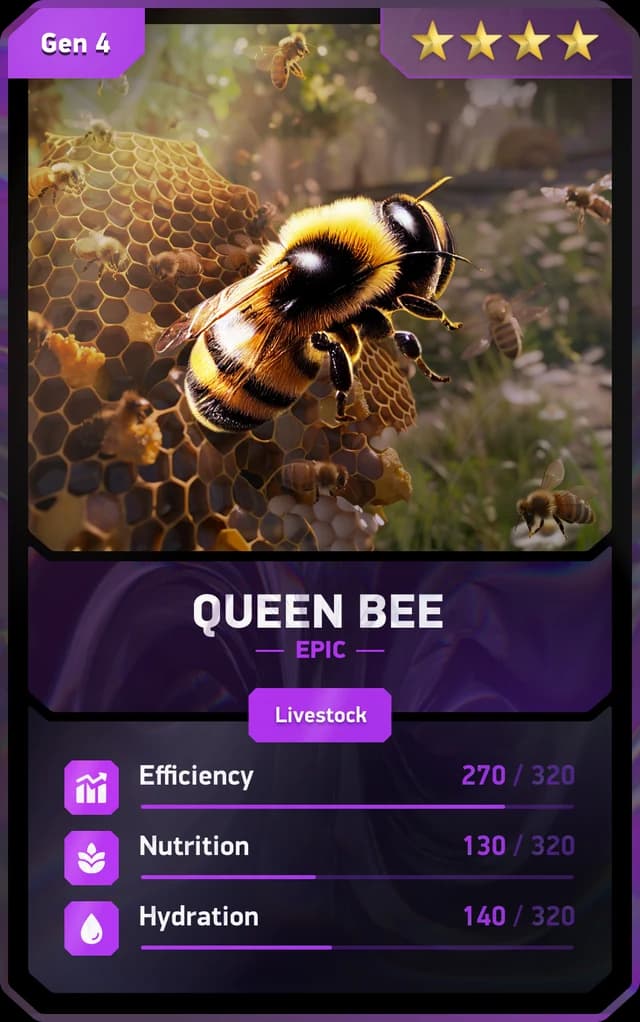
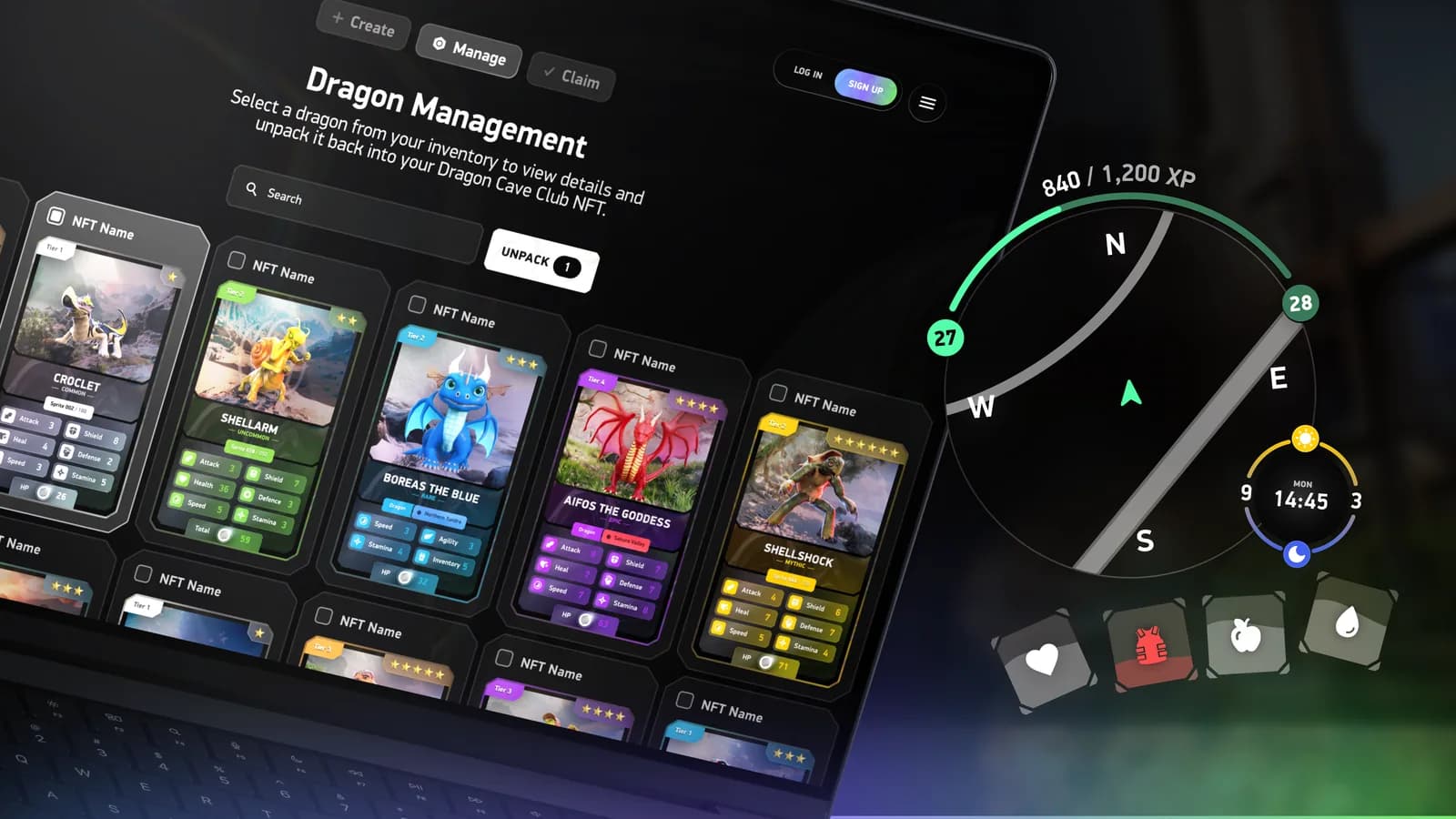
 TCG World universe2024
 Uber for today’s design trends2025
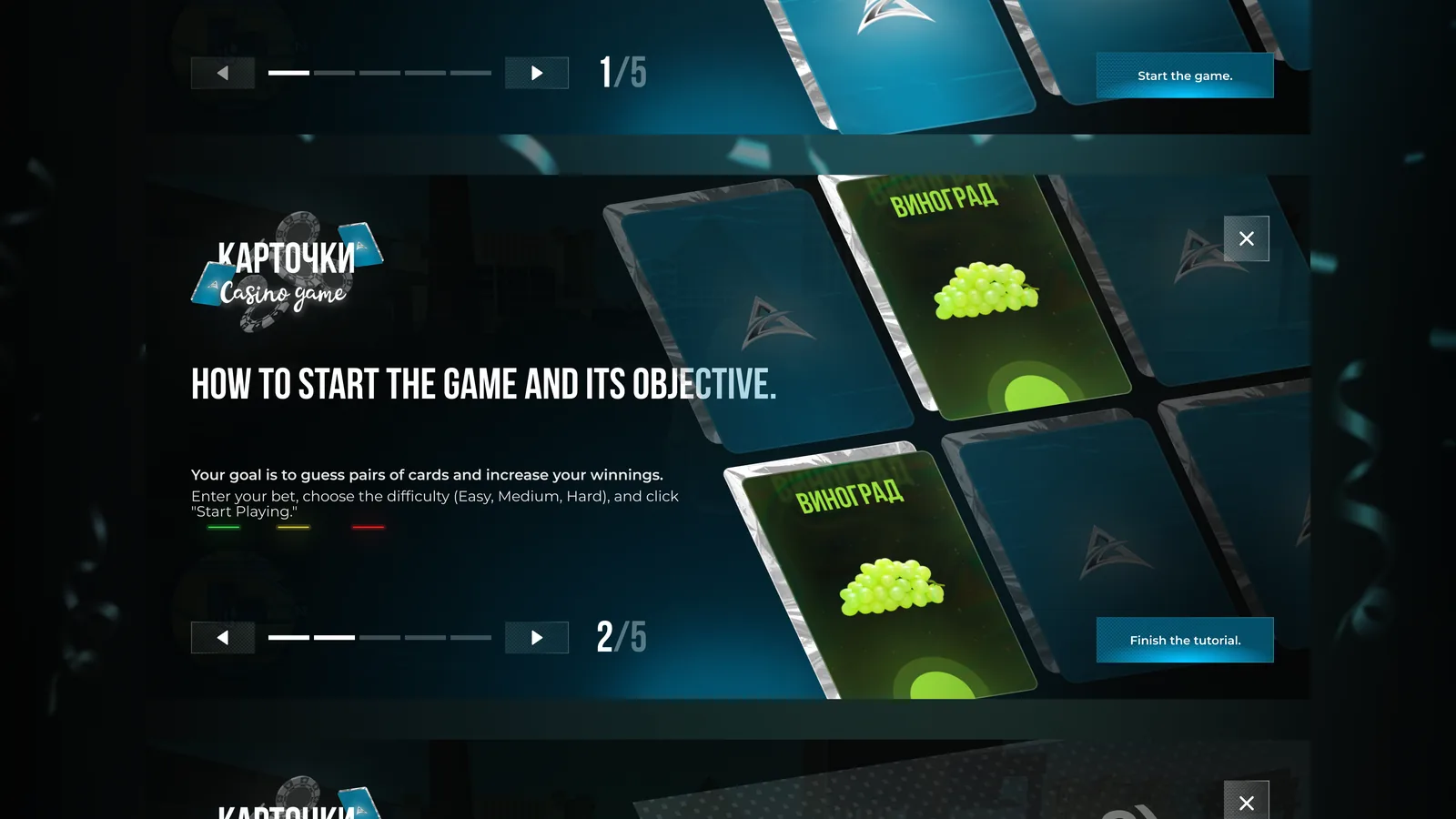
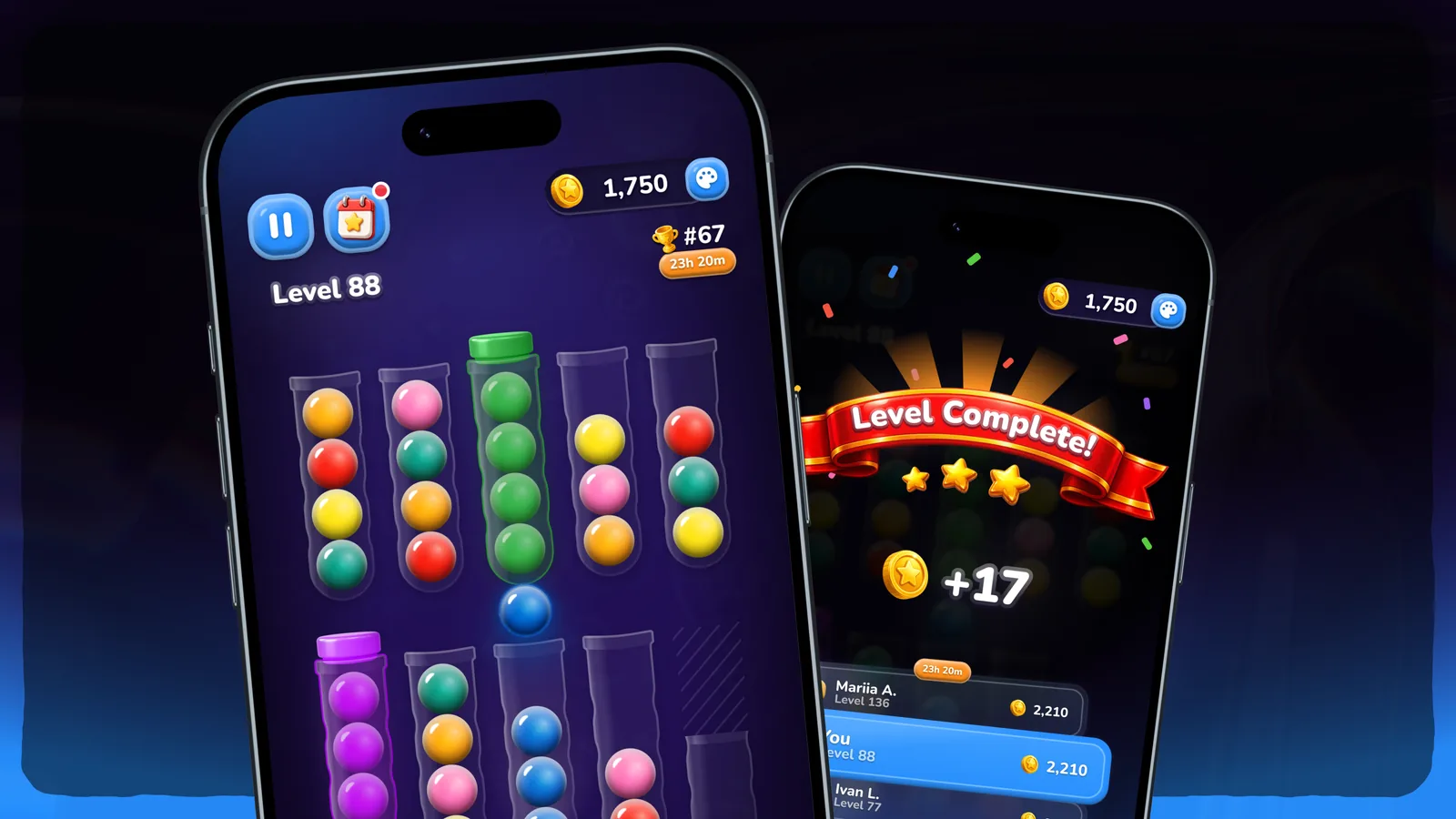
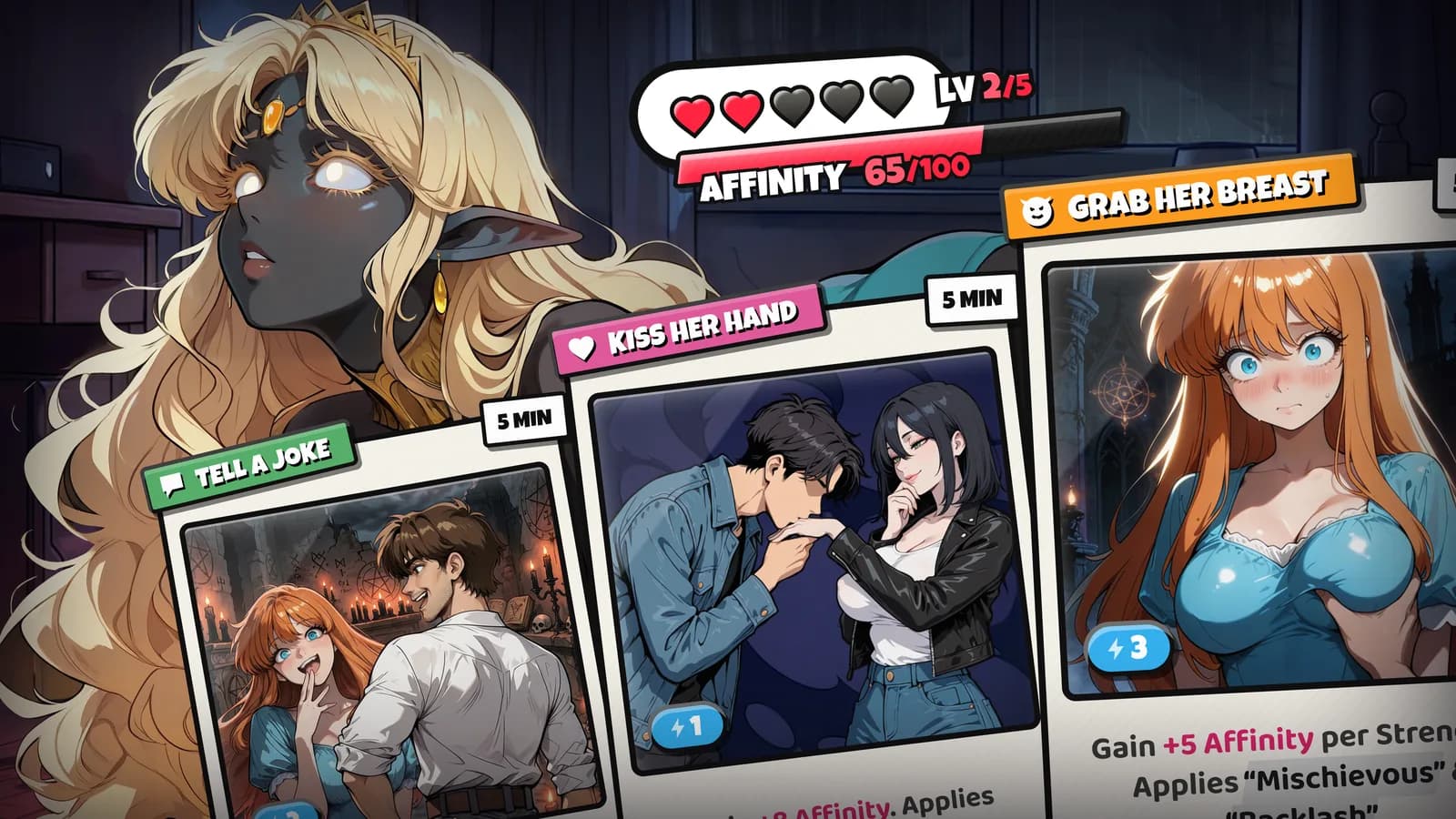
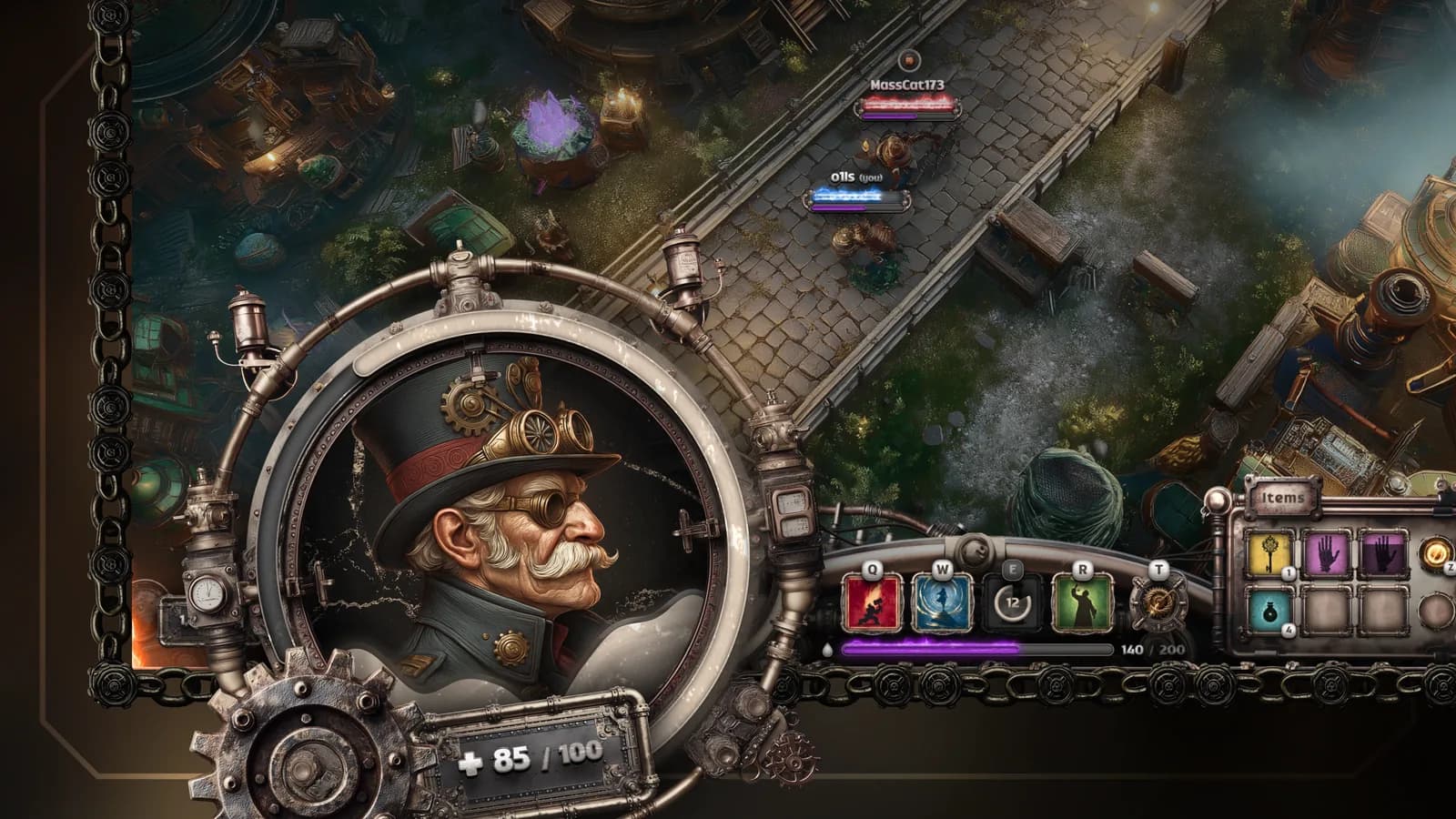
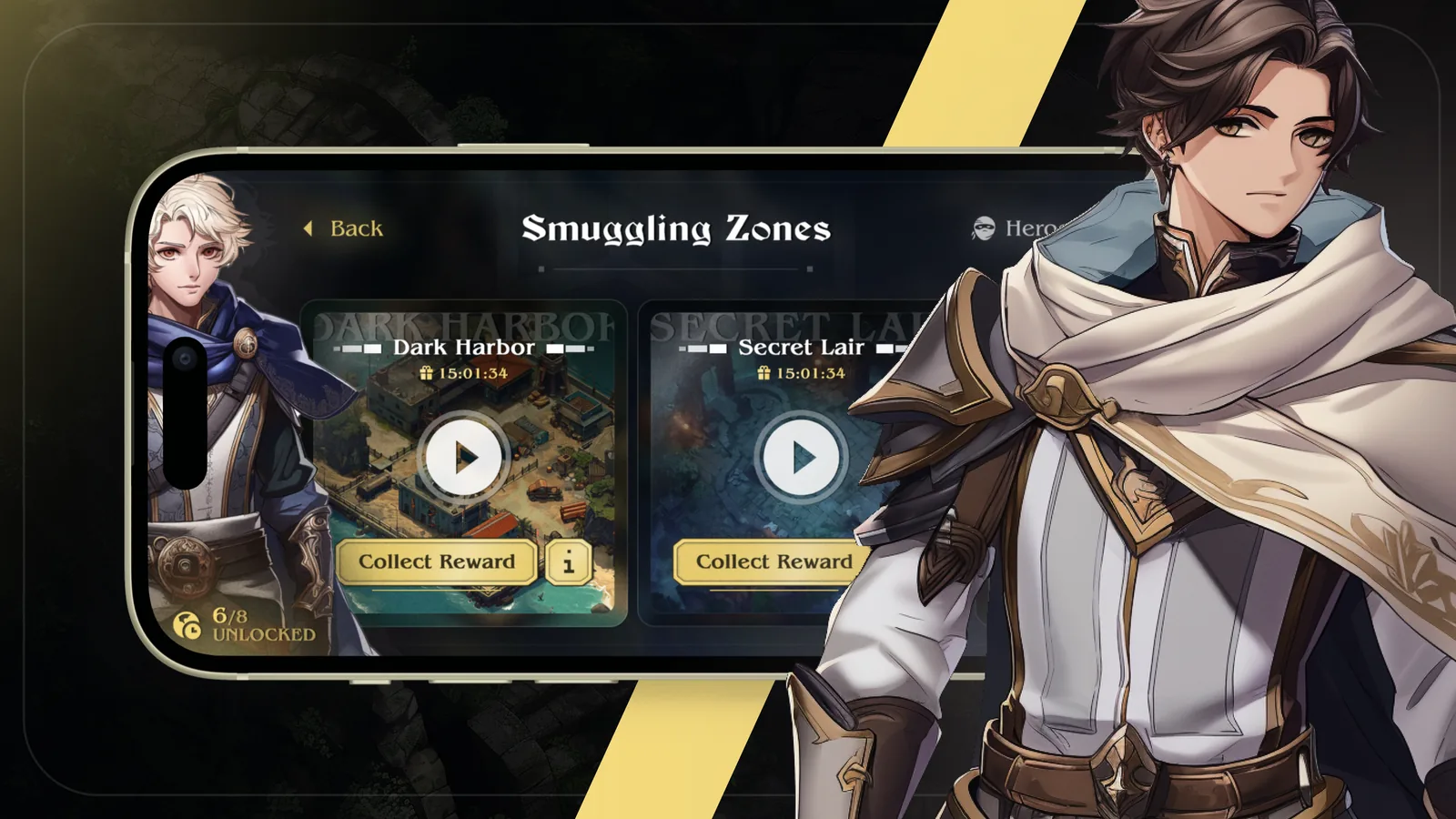

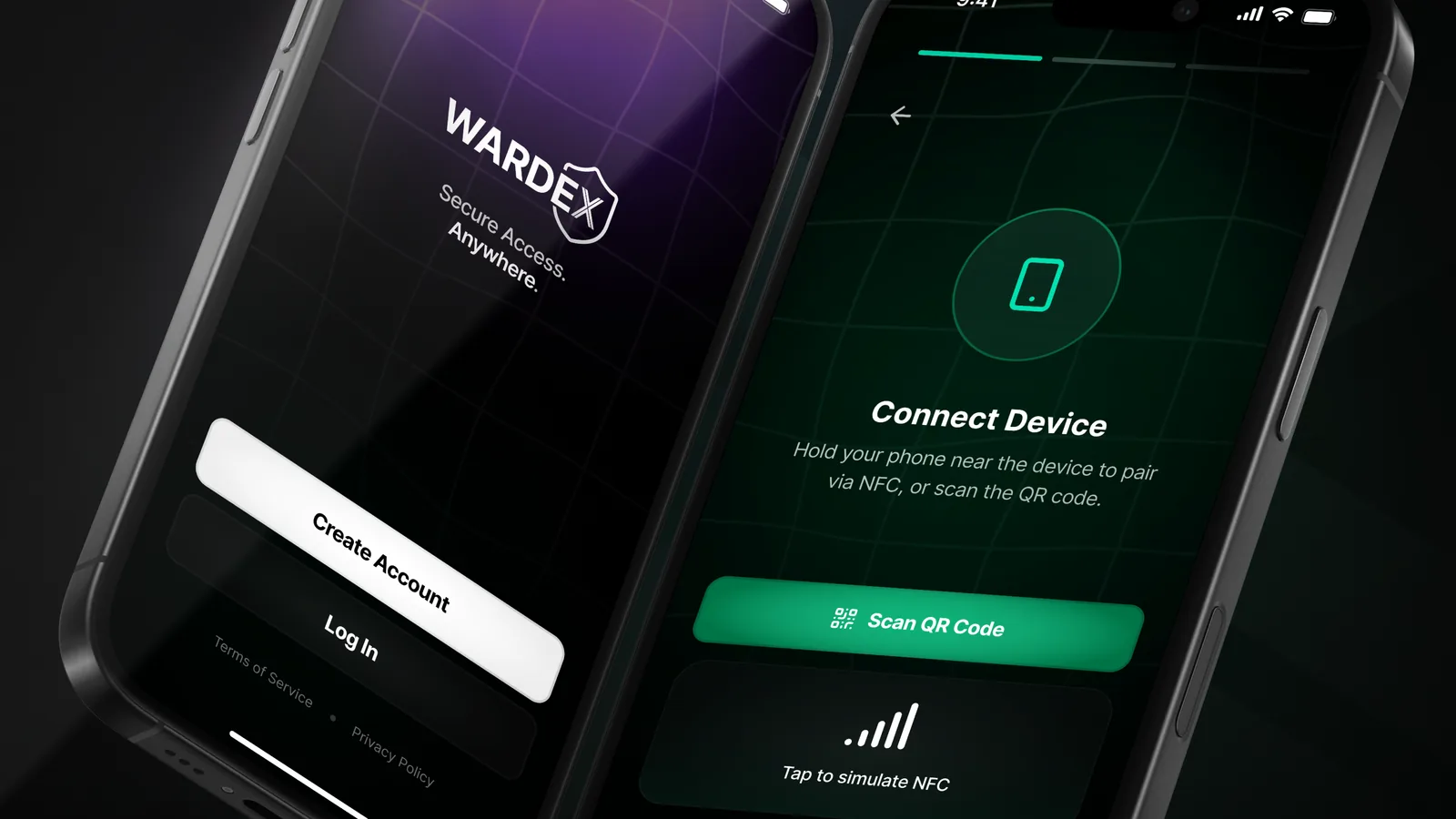
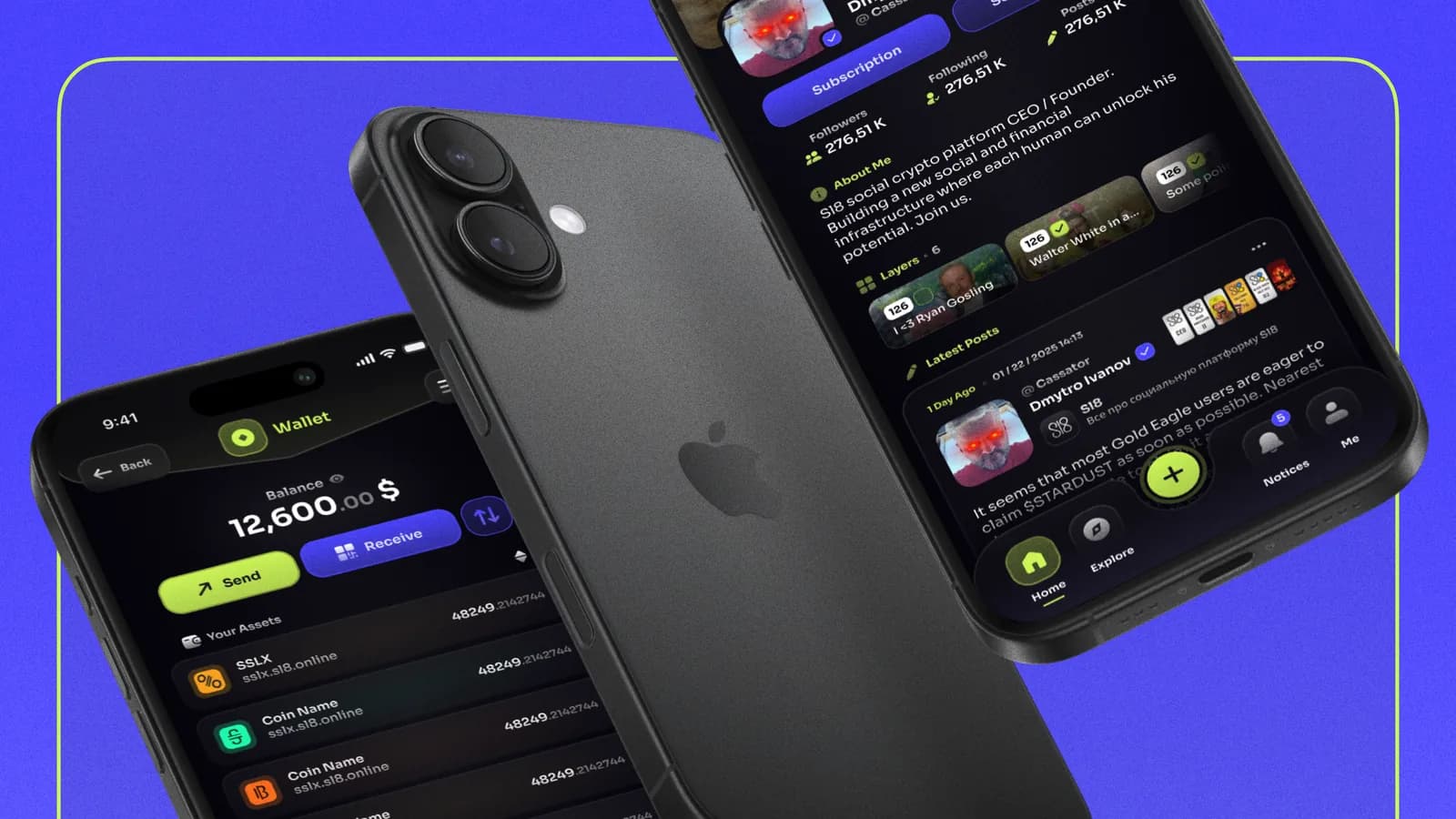
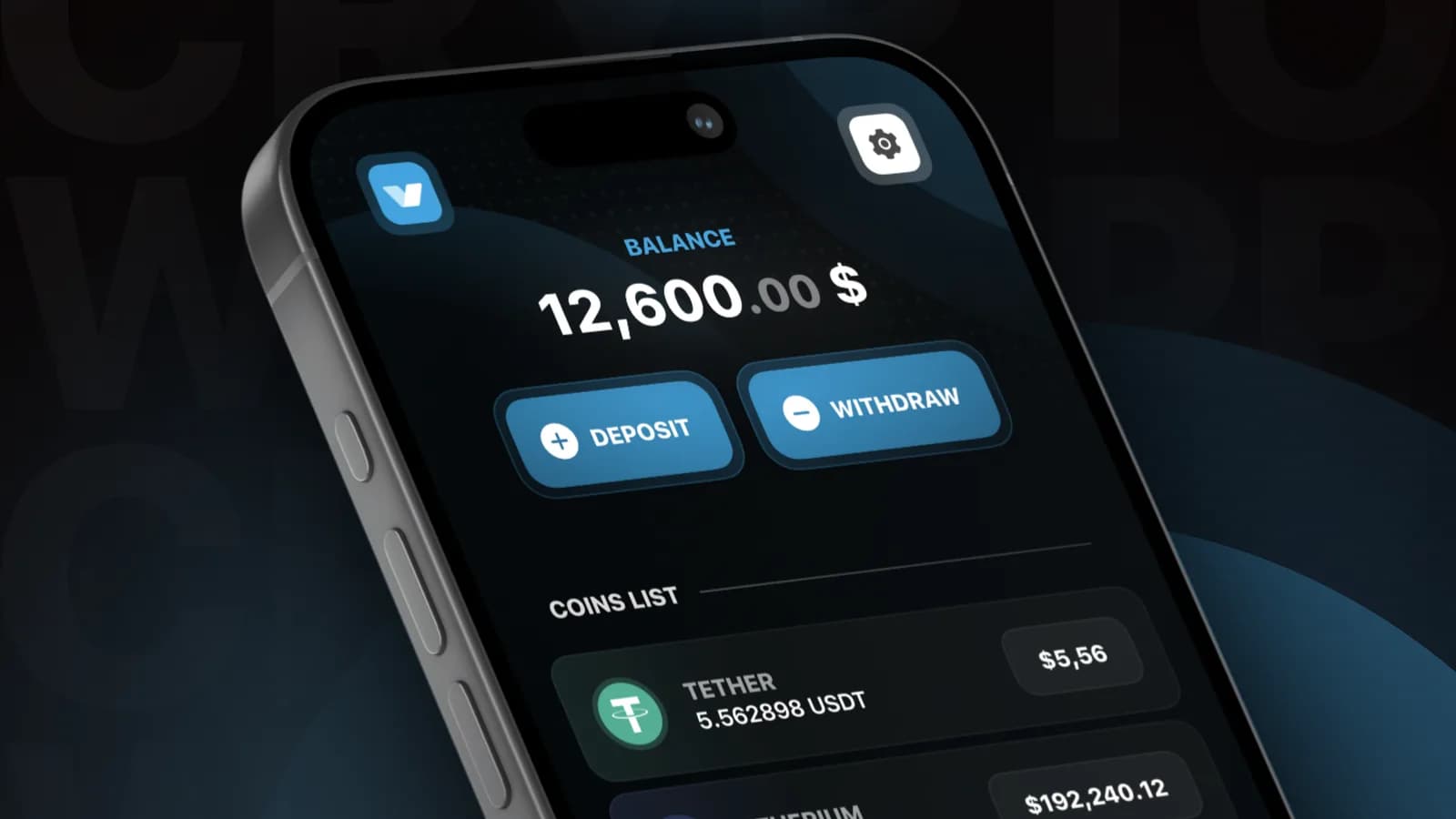
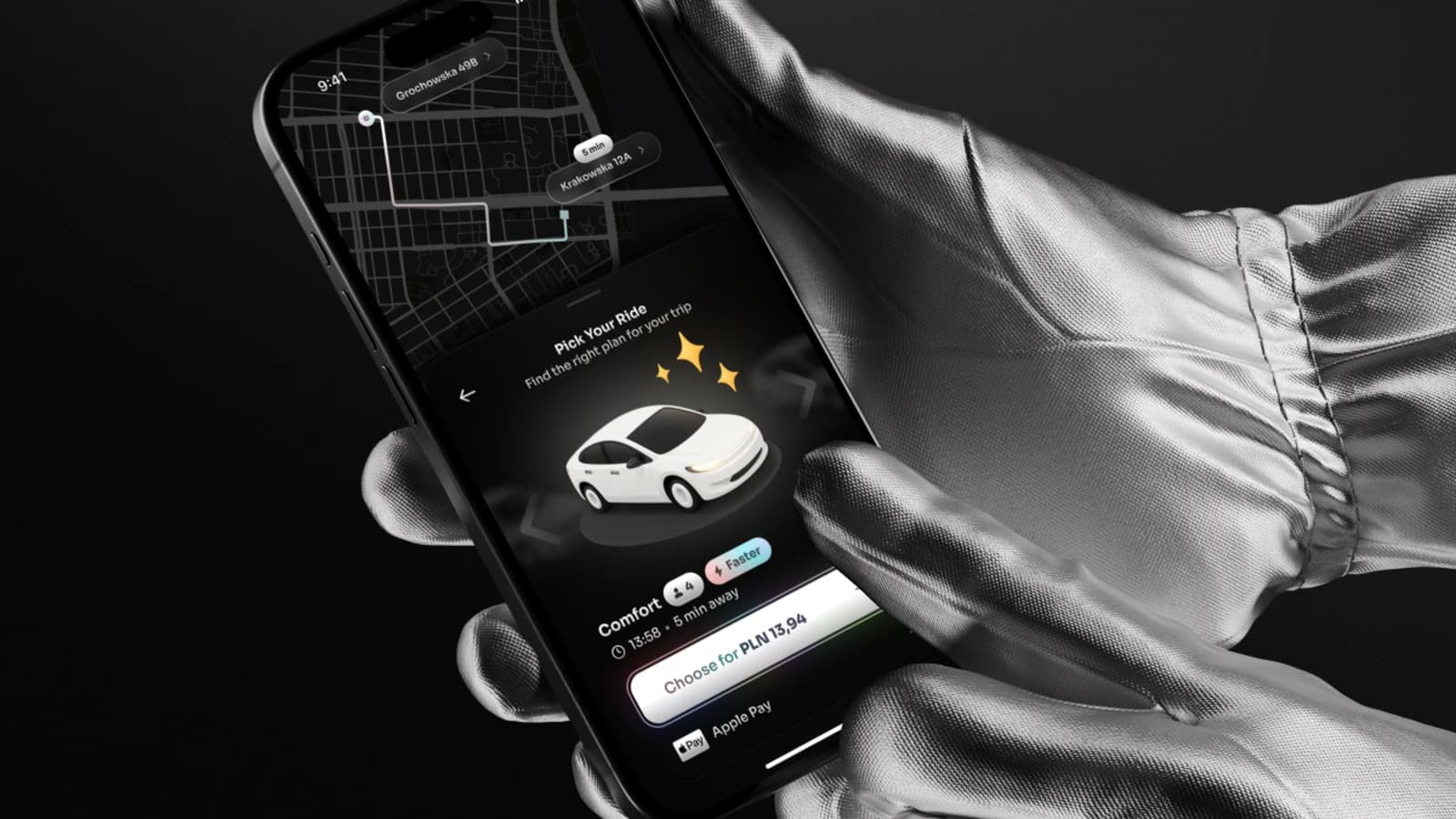

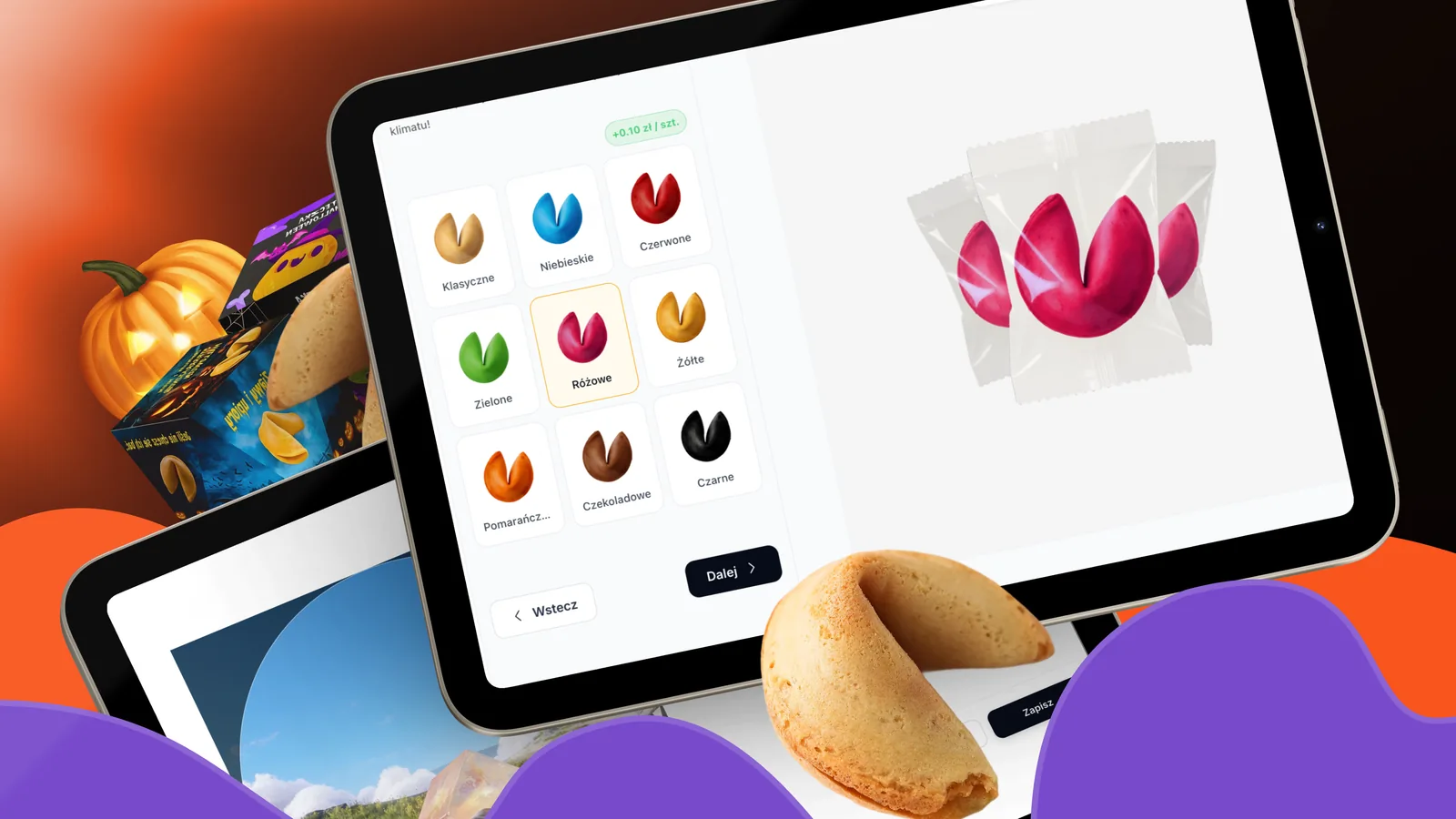
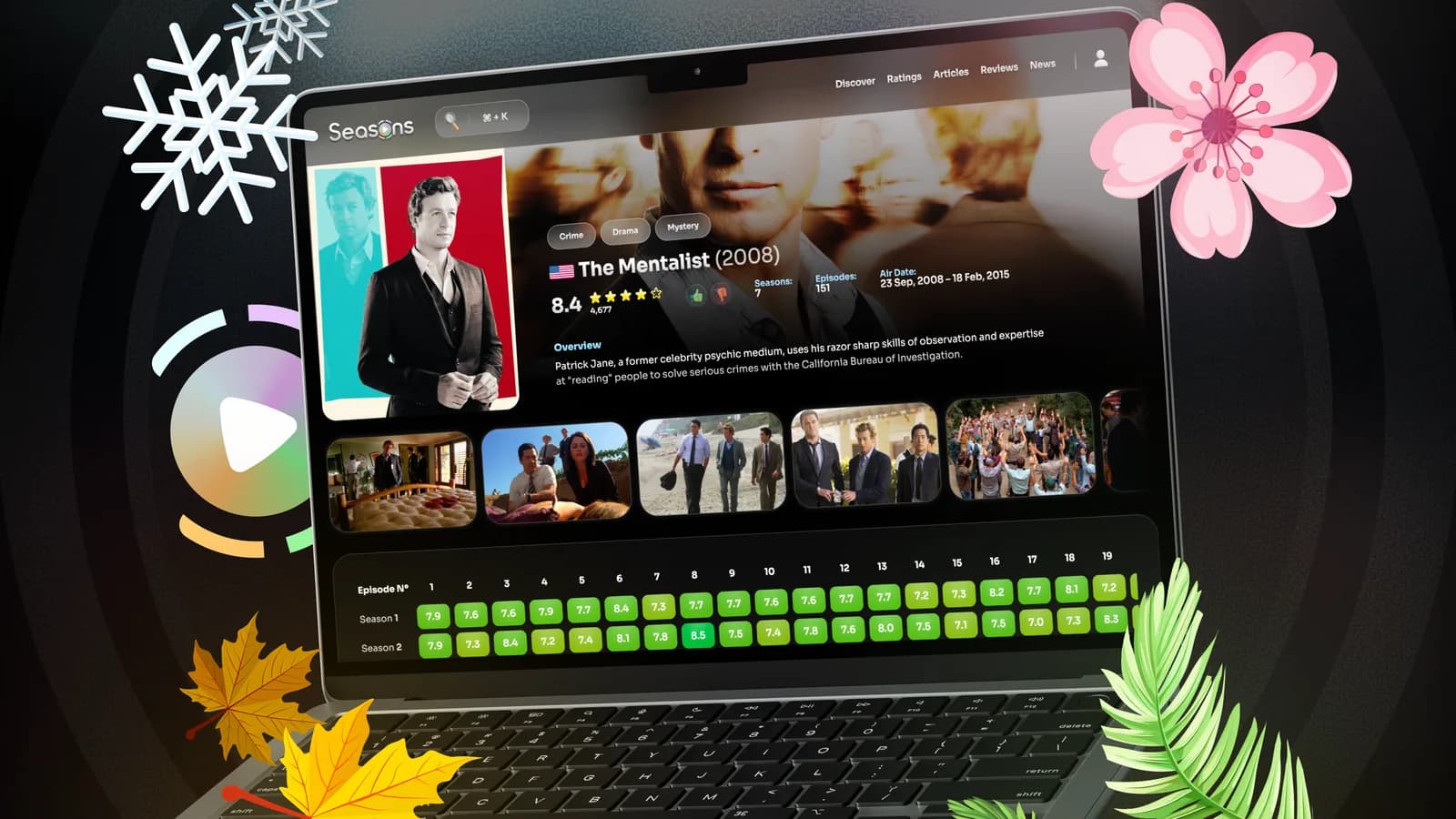
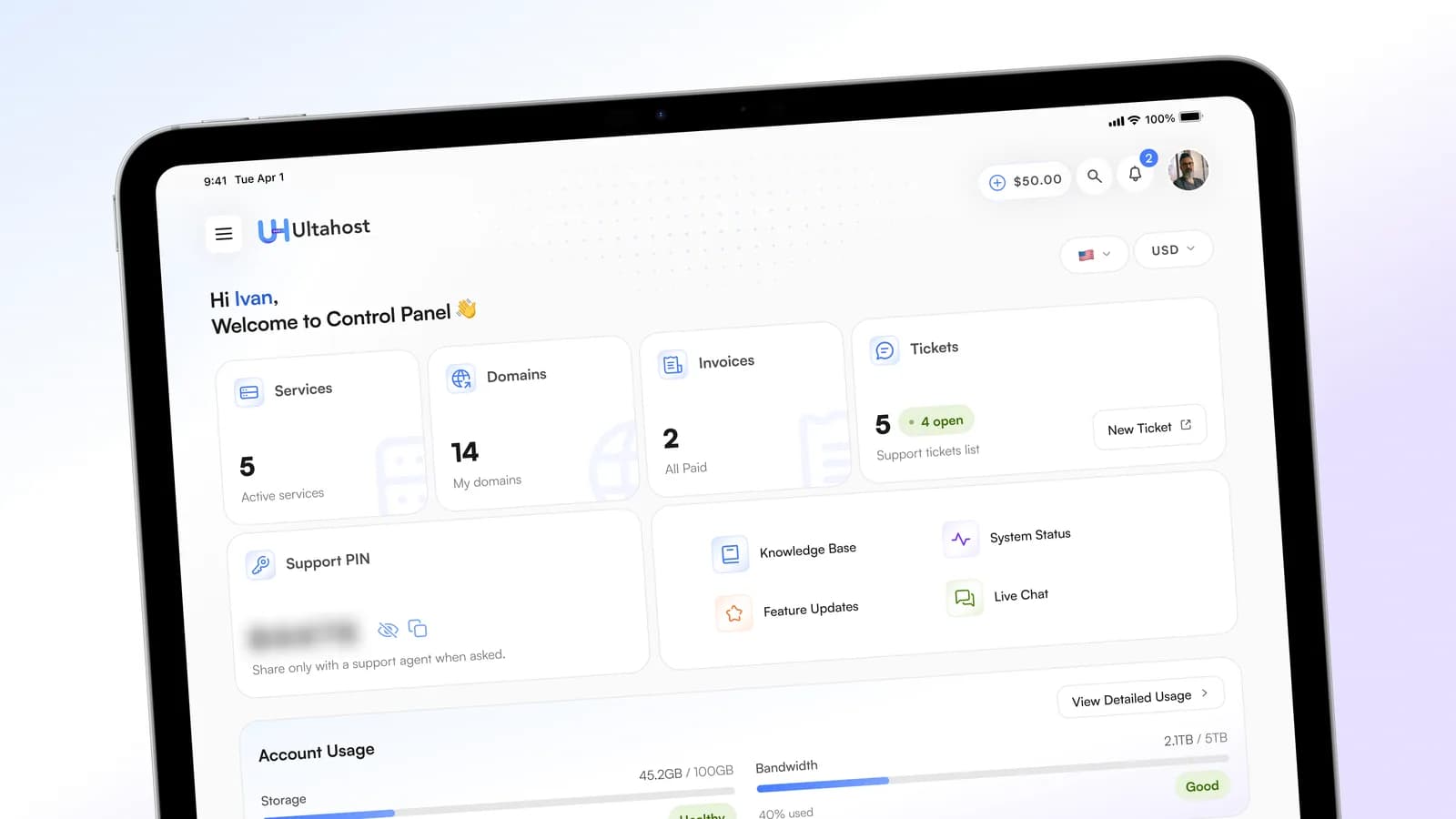
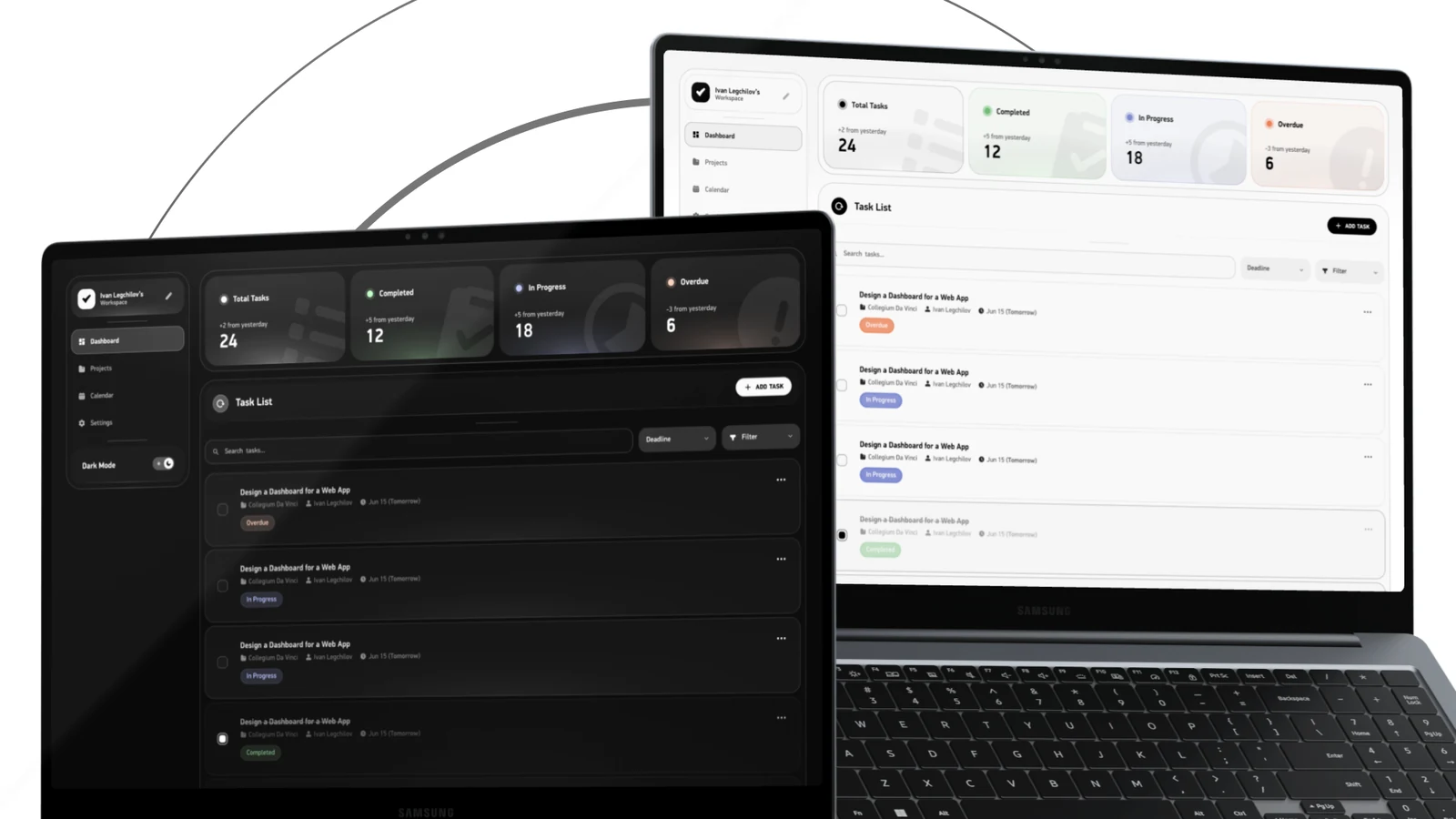
Wanna dive in Case Studies?
Experience
Head of Design at ONU Health
New York, remote- Aug 2026 to Present 3 mos, full-time
Preventive health app for iOS: ONU AI coach, ONU Band wearable and GLP-1 care. Owning product and brand design end to end, from acquisition to retention.
- Building and owning the design system: foundations, components, guidelines and QA checks
- Leading the redesign of core flows: onboarding, paywall, Home, Care, GLP-1 ordering, nutrition tracking and AI journal
- Directing acquisition creative: ad concepts, App Store screenshots and promo videos
- Working directly with the CEO on product, positioning and monetization
Web, UX/UI Designer at ESQRD
Warsaw, remote- Dec 2025 to Present 11 mos, full-time
Immersive digital studio (Web3, AR/VR, 3D, 8th Wall): high-end interactive platforms and immersive web experiences.
- UX/UI audits and website structure planning
- Lo-Fi and Hi-Fi prototypes for web and mobile apps
- Branding assets, social visual identity and marketing materials
TCG World
Amsterdam, remote- Design ConsultantDec 2025 to Jun 2026 7 mos, part-time
- Product DesignerFeb 2024 to Dec 2025 1 yr 11 mos, full-time
Web3 game on Unity. Product designer in a two-person team owning the game's UX/UI end to end, and the project's website solo.
- Reworked the design system and rebuilt the PC game interface from scratch for release
- Designed 2 mobile app interfaces from the ground up
- Delivered the adaptive landing page and multi-page website, and kept improving its conversion
UX/UI Designer at Hypersonic Laboratories
Los Angeles, remote- Dec 2022 to Dec 2023 1 yr 1 mo, full-time
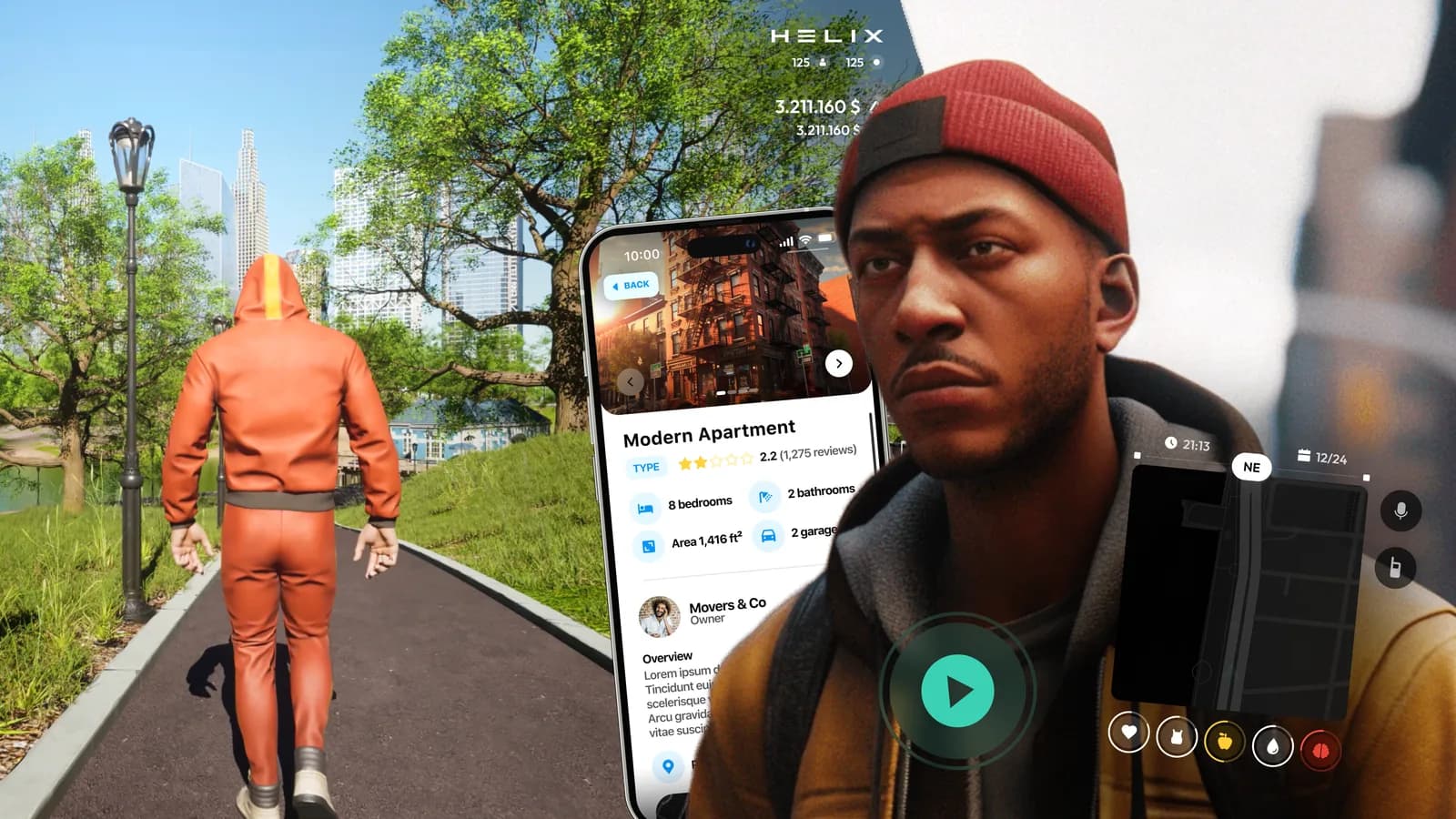
HELIX, a Web3 metaverse game on Unreal Engine 5. Lead UI designer in a group of 4 on the roleplay mode, Parallel City Online.
- Full-scale layouts and in-game interface prototypes, supported through to implementation
- Competitor analysis and local UX research
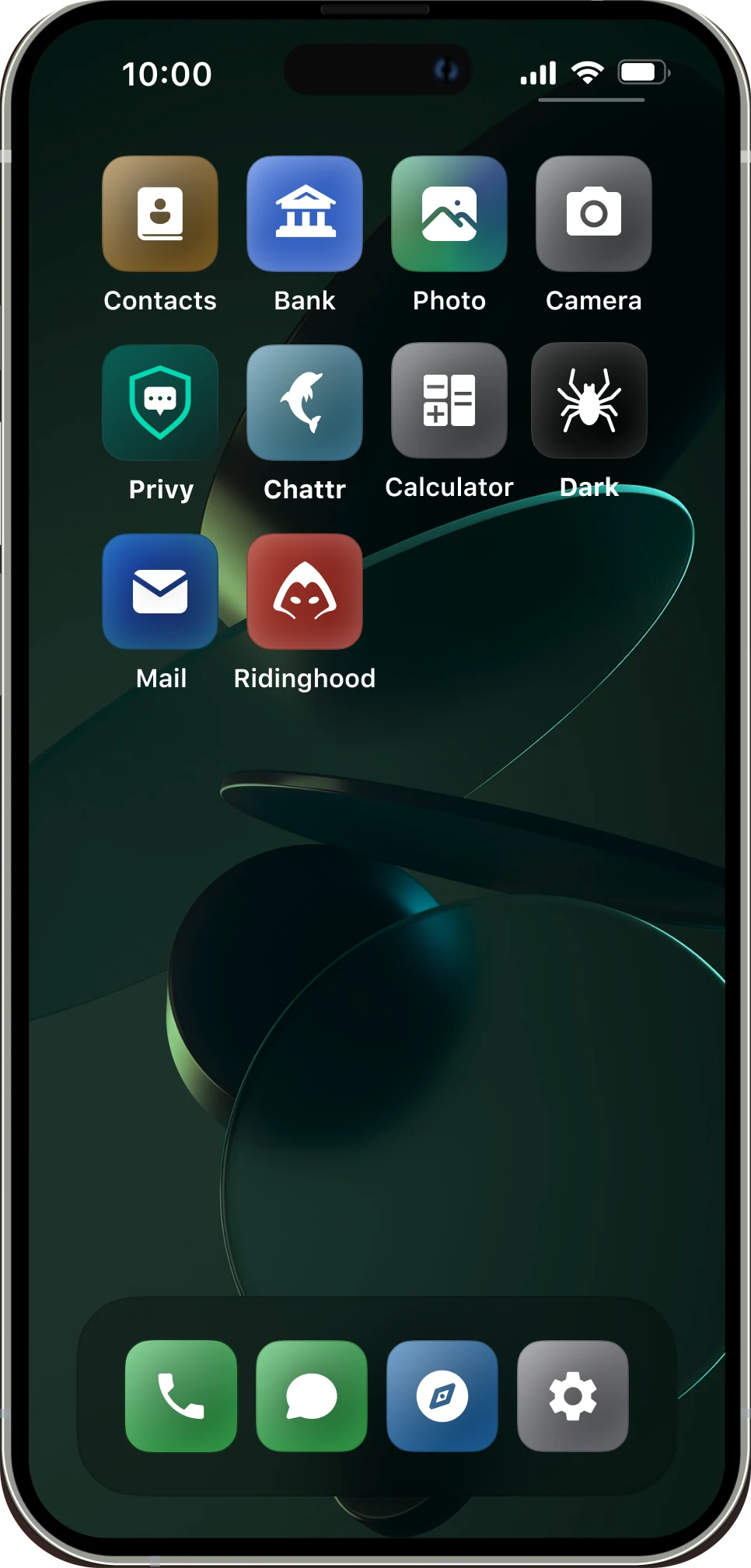
- In-game apps modelled on real products, like the Chattr social network and a job search app

Education
- Oct 2023 to Present
Collegium Da Vinci Bachelor of Engineering, Information Technology
Poznań, PolandGame development and UI/UX track: UI/UX of web applications, creating games, game art, single page applications, branding.
- Sep 2012 to Jun 2023
Republican Music College Teacher, Pianist
Minsk, BelarusI didn't go on as a professional musician, but this education gave me a strong start on my creative path, and music stays with me.